
Adding Power Points During Renovation: Where You Will Wish You Had More
A Singapore homeowner's guide to planning power points during renovation, including where to add extra sockets, how many you need and what it costs.
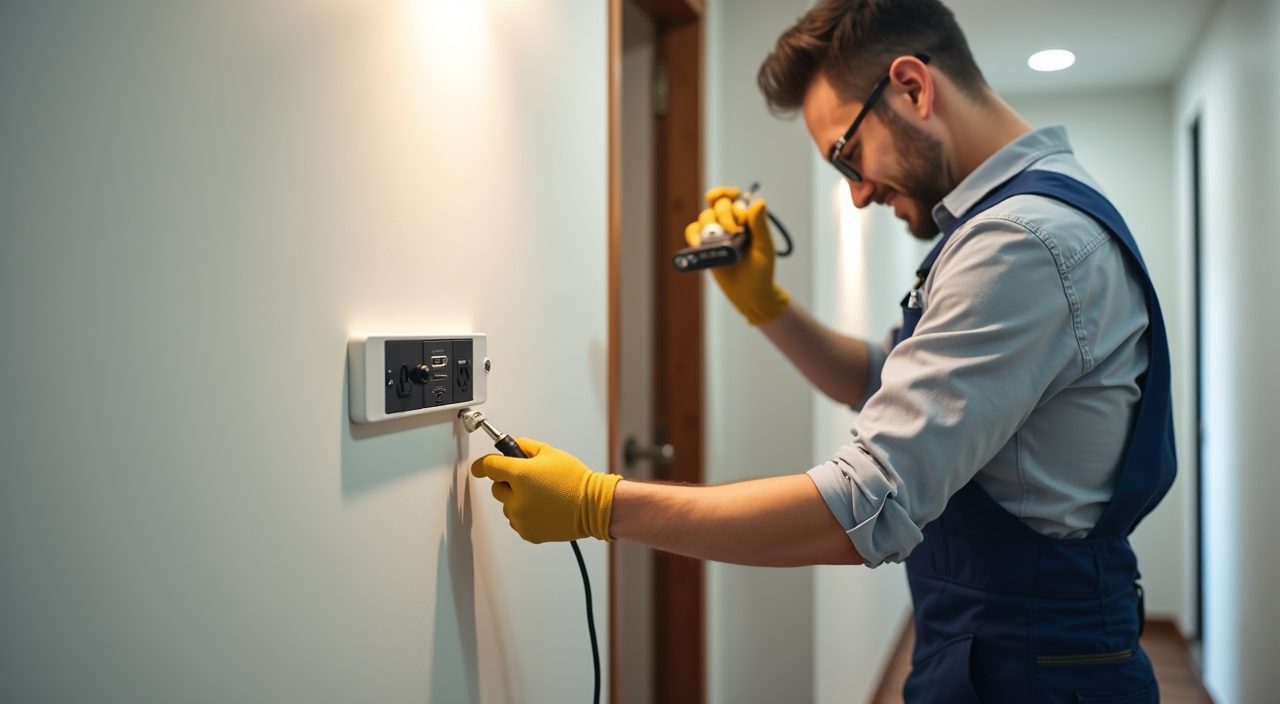
Add power points while the walls are open, not after. During a renovation, running new sockets is cheap and clean because conduits and wiring can be chased into bare walls before tiling, plastering and painting. Once the home is finished, adding a single socket often means hacking, patching and repainting, which can cost several times more than doing it upfront.
The regret is almost always the same: too few sockets, in the wrong places, at the wrong heights. Most Singapore homeowners underestimate how many devices they will plug in, so the honest advice is to plan generously now while the labour is already on site and the finishes are not yet in the way.
Why is renovation the cheapest time to add power points?
When your contractor is already rewiring or refreshing the electrical layout, the marginal cost of one more socket is mostly the accessory plus a short run of conduit and cable. The walls are open or about to be hacked, so there is no separate patching, skimming or repainting job to pay for.
After renovation, the same socket becomes a standalone job. The electrician has to chase a channel through a finished wall, or run an unsightly surface trunking, then you repaint or retile the affected area. That is why the socket you skip today is the one you pay a premium for next year.
How many power points do I actually need per room?
There is no legal minimum per room in a home, so the right number is driven by how you live, not by a rulebook. A useful habit is to count the devices you expect in each space, then add spare sockets on top so you are not living on extension cords and multi-plug adaptors.
As a sensible starting point for a Singapore flat or condo, aim for the ranges below and adjust up for a home office, a gaming setup or a serious kitchen.
- Living room: 6 to 8 outlets, split across walls, plus points behind the TV console for the TV, soundbar, console and router.
- Master bedroom: 4 to 6 outlets, including one on each side of the bed for lamps and phone chargers.
- Kitchen: enough dedicated points for the fridge, hob or induction, oven, microwave, kettle, rice cooker, air fryer and a couple of spare countertop sockets.
- Bathroom: a shaver point or a suitably rated socket for water heaters and, if wanted, a bidet or heated mirror.
- Study or home office: 4 or more outlets for a monitor, laptop, dock, printer and charging.
Where do people most often wish they had added more?
The regrets cluster in a few predictable places. These are the spots worth over-provisioning while the walls are still open.
If you only fix a handful of things from this article, fix these.
- Kitchen countertop: small appliances multiply fast, and a bank of sockets above the counter saves constant unplugging.
- Beside and behind the bed: for chargers, lamps and a possible future adjustable bed or air purifier.
- TV feature wall: hidden points behind the panel keep cables tidy and support a soundbar and streaming devices.
- Dining area and study nook: a floor or wall point near the table turns it into a workspace or hotpot station.
- Bomb shelter or store: one socket makes it usable for a dehumidifier, drying rack or router.
- Balcony or service yard: a weather-suitable outdoor point for a washer, fans or plants lighting.
- Near the entrance and toilets: for robot vacuum docks, bidets and heated toilet seats people add later.
What height and type of socket should I choose?
In Singapore, standard general sockets are the 13A three-pin type, usually with individual switches. Mounting height is a design choice rather than a fixed rule, so decide it deliberately based on furniture. General wall sockets are commonly set around 300mm above finished floor level, while countertop and desk sockets sit above the worktop, often around 1100mm to 1200mm.
Match the socket to the job. Use double sockets where you know two devices will live permanently, add USB or USB-C integrated sockets at bedsides and desks so chargers do not eat a full point, and specify heavy appliances such as ovens, water heaters and air conditioners on their own dedicated circuits rather than sharing a general socket.
Who should install the power points, and does it need to be licensed?
Electrical work in Singapore is safety-critical and should be done by a competent electrician working to the SS 638 wiring standard. For most socket additions inside an existing circuit, a qualified renovation electrician handles the job as part of your works. Larger changes, such as upgrading your distribution board or increasing your supply, involve a Licensed Electrical Worker, and any new or altered connection to the grid ultimately ties back to a licensed professional and SP Group requirements.
This is exactly the kind of work our electrical team plans and installs during a renovation, coordinating the socket layout with your carpentry, kitchen and lighting so the points land where your furniture and appliances will actually sit. Getting the wiring right at this stage also protects you from overloaded circuits and nuisance tripping later. If you are unsure how many circuits your board can take, ask for a load check before the walls close up.
How much does it cost to add a power point during renovation?
Prices vary by contractor, wall type and cable run, so treat any figure as a guide rather than a quote. As a rough sense, adding a socket during an active renovation is typically a modest per-point cost because the labour and access are shared with the wider works. The same socket added later, as a one-off with hacking and reinstatement, commonly costs several times more.
The cheaper move is almost always to add a few extra points now. A handful of spare sockets adds a small amount to a renovation budget, while retrofitting even one or two later can wipe out that saving many times over. When in doubt, put in one more than you think you need.
Frequently asked questions
Can I just use extension cords instead of adding sockets? You can, but daisy-chained extensions and multi-plug adaptors are a common cause of overloading and overheating, especially with high-draw appliances like kettles and heaters. Fixed sockets on properly rated circuits are safer and tidier, which is the whole point of planning them during renovation.
Is it worth adding USB or USB-C sockets? For bedsides, desks and living areas, yes. They free up your 13A points for real appliances and remove the clutter of plug adaptors. Just remember charging standards evolve, so keeping a few normal sockets nearby lets you plug in whatever charger comes next.
How far in advance do I need to decide the socket layout? Ideally before any hacking or wiring starts, because the positions determine where conduits are chased. Walk each room with your electrician or renovation team, mark where furniture and appliances will go, and confirm heights before the walls are sealed.
Do I need to upgrade my electrical panel to add more sockets? Not always. Extra sockets on existing circuits are often fine, but if you are adding heavy loads such as an oven, instant water heater or extra aircon, your distribution board may need spare capacity or a new circuit. A load check during planning tells you whether an upgrade is needed.