
CCTV for Your HDB Corridor: MCST, Town Council and Privacy Rules Explained
Thinking of CCTV for home in an HDB flat? Here are the Town Council rules, the PDPA privacy limits, and how to install a corridor camera the right way.
Yes, you can install CCTV for home at your HDB flat, but a camera pointed at the common corridor needs written approval from your Town Council first, and it must not record your neighbours' front doors or living spaces. Cameras placed fully inside your own flat, facing your own gate or interior, generally do not need approval. The two things that catch most homeowners out are the corridor permit and the privacy rules under the Personal Data Protection Act.
This guide explains who actually governs your corridor (Town Council for HDB, an MCST only for private and executive condominiums), what you can and cannot film, how to apply, and how to get the wiring done safely. Rules are set by individual Town Councils, so always confirm the exact form and conditions with yours before you drill anything.
Do I need approval to put a CCTV camera in my HDB corridor?
For a camera mounted in the common corridor, or one inside your flat that films the shared corridor, you normally need written approval from your Town Council. The corridor is common property, not part of your flat, so you cannot fix anything to those walls or ceilings without permission. A camera that sits entirely inside your unit and only captures your own gate or interior usually does not need a permit.
Approval is not automatic and is often granted for a fixed period, typically renewable. Town Councils commonly attach conditions: the camera must not obstruct the walkway, it must be angled to cover only your own entrance, and it must not record neighbours' doorways or windows.
MCST or Town Council: who governs my building?
This trips people up because the terms get mixed. The short version: if you live in an HDB flat, your common areas are managed by the Town Council. If you live in a private condominium or an executive condominium (EC) that has reached its management stage, common areas are governed by the MCST (Management Corporation Strata Title) under its by-laws.
Which body applies decides where you send your application and what rules bind you.
- HDB flat: apply to your Town Council; follow its CCTV guidelines.
- Private condo or EC: apply to the MCST; follow the condo by-laws and any managing agent process.
- Landed property: no MCST or Town Council, but PDPA privacy rules and neighbour considerations still apply.
What are the privacy rules under the PDPA?
Home CCTV recording is not a free pass to film everything. Under the Personal Data Protection Act, a camera should capture only what is reasonably needed to protect your own home, which means your gate, your doorway, and the small patch of corridor directly in front of it. Pointing a lens straight at a neighbour's front door, their windows, or their private space can be treated as a nuisance or a privacy breach.
Practical rules of thumb that keep you on the right side:
- Angle the camera down and toward your own entrance, not along the whole corridor.
- Do not record audio of neighbours; audio raises the privacy bar sharply.
- Do not post footage of identifiable neighbours online without good reason.
- If a neighbour complains, be prepared to re-angle or mask part of the view.
What are the common conditions Town Councils impose?
Conditions vary between Town Councils, but a recurring set shows up in most approvals. Reading these before you buy hardware saves you from installing a camera you then have to move.
Typical conditions include:
- The camera must not be drilled into common-property walls or ceilings without specific permission.
- Wiring must be neat, concealed where possible, and must not create a trip or fire hazard.
- The field of view must be limited to your own unit's entrance.
- A notice or decal indicating CCTV is in use may be required.
- Approval is for a set period and may need renewal; the Town Council can ask for removal if conditions are breached.
How do I apply for CCTV approval?
The process is straightforward once you know the sequence. Do the paperwork before you buy a specific camera, because the approved mounting position can change what hardware fits.
A sensible order of steps:
- Contact your Town Council (or MCST for condos) and ask for the CCTV application form and current guidelines.
- Note the camera model, the exact mounting spot, and the intended field of view on the form.
- Submit the form and wait for written approval before drilling or wiring.
- Keep the approval letter; you may need it if a neighbour or the managing office queries the camera later.
- Diarise the expiry date so you can renew before it lapses.
How should the wiring and power be handled?
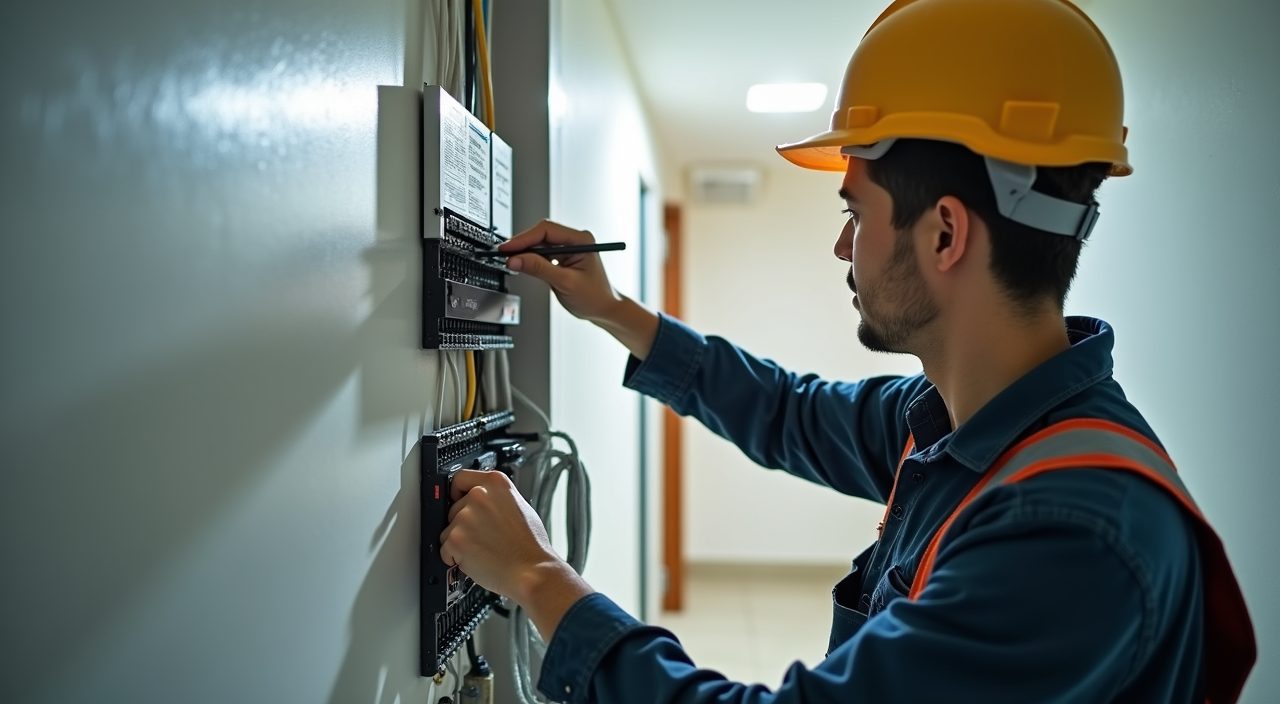
A corridor camera still needs power and, often, a data cable back to a recorder inside your flat. Running a spur from your consumer unit, drilling through your wall to pass the cable, and terminating it safely is licensed electrical work, so it should be done by a competent electrician rather than a DIY extension cord snaking under your gate. A tidy, concealed cable run also helps you meet the Town Council's condition about not creating hazards in the common corridor.
This is where our electrical services fit in. We handle the power spur, the through-wall cable run, and neat termination so the installation passes muster and does not become a trip or fire risk. If you also want the camera tied into a recorder or a smart doorbell inside the flat, that can be planned into the same visit.
Wired or wireless: which is better for an HDB corridor?
Both work, and the right pick depends on your corridor and how much you want to maintain. Wired cameras are more reliable and never need charging, but they need a cable run and an electrician. Battery or wireless cameras are quicker to fit and easier to reposition, though they depend on Wi-Fi strength and need periodic charging or battery swaps.
A quick comparison:
- Wired camera: steady power, reliable recording, cleaner long-term; needs professional cable run and approval-friendly mounting.
- Battery or wireless camera: fast to install, easy to move, no drilling for power; depends on Wi-Fi and needs recharging, and thick HDB walls can weaken the signal.
- Smart doorbell inside your own gate: often the simplest privacy-safe option since it films only your entrance.
Frequently asked questions
Can I install CCTV inside my own HDB flat without approval? Generally yes. A camera that sits fully within your unit and films only your own interior or your own gate does not need Town Council approval. Approval is about common property, so the trigger is filming or fixing anything in the shared corridor.
Can my neighbour force me to remove my corridor camera? If your camera breaches Town Council conditions or clearly records their private space, they can complain to the Town Council, which can require you to re-angle or remove it. A properly angled, approved camera that covers only your own entrance is usually fine.
Do I need approval for a video doorbell? A doorbell camera mounted on your own gate or within your unit, filming only your entrance, usually does not need corridor approval. If you want to fix it to a common-property wall, or its view extends along the corridor, check with your Town Council first.
How much does a corridor CCTV setup cost in Singapore? It varies with the camera, the number of units, and the cable run. A single camera with a tidy wired install typically lands in a modest few-hundred-dollar range, while multi-camera systems with a recorder cost more. Get a quote based on your exact layout rather than a fixed figure.