
CCTV Installation in Singapore: Costs, Wiring and What to Expect
What CCTV installation costs in Singapore, how the wiring works, HDB and condo rules, and what a proper install job actually involves.
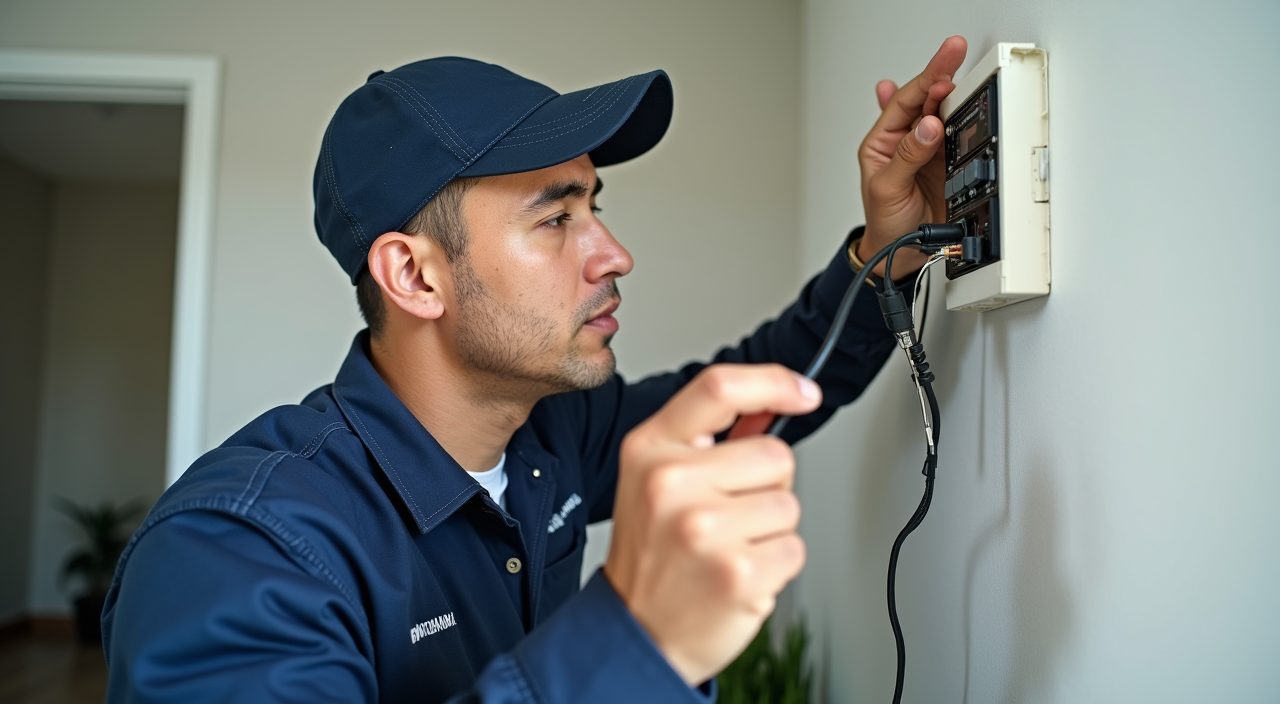
A basic wired CCTV setup in a Singapore home typically costs from around 400 to 1,500 dollars for a two to four camera system, including the recorder, cabling and labour, with higher-end IP camera systems running from 2,000 dollars and up. The exact price depends on camera count, resolution, whether cabling can be hidden, and how much trunking or conduit work your unit needs. Most standard HDB and condo installs are done within a single day.
CCTV is one of the more common small electrical jobs homeowners ask about, but the quotes vary widely because no two units are wired the same. This guide breaks down real cost ranges, how the wiring actually runs, what the HDB and condo rules allow, and what a proper job should include so you can compare quotes fairly.
How much does CCTV installation cost in Singapore?
Price is driven mostly by the number of cameras, the camera type, and how difficult it is to run and conceal the cables. A tidy install in a resale flat with accessible ceiling voids costs less than one where every cable has to sit inside surface trunking.
As a rough guide for supplied-and-installed systems:
- 2-camera analog or basic setup: around 400 to 800 dollars
- 4-camera system with a recorder: around 800 to 1,500 dollars
- 4 to 8 camera IP or 4K system: around 2,000 to 4,000 dollars and up
- Single wireless or battery camera (self-install): around 80 to 300 dollars per unit
- Add-on costs: extra trunking, longer cable runs, working at height, and network video recorder storage upgrades
Wired or wireless: which is better for a Singapore home?
Wired systems record continuously to a local recorder and do not depend on your Wi-Fi holding up, which is why most homeowners who want reliable coverage choose them. Wireless or battery cameras are quicker to fit and good for renters or spots with no easy cabling, but they lean on your network and need charging or a nearby power point.
A quick comparison:
- Wired: most reliable, continuous recording, needs cabling and a recorder, best for owners staying long term
- Wireless (Wi-Fi powered): easier to place, still needs a power point, depends on router coverage
- Battery wireless: fully cable-free, easiest to move, but you recharge it and video is often event-triggered only
- Storage: wired systems use a local recorder with a hard disk; wireless often uses cloud or an SD card
How is CCTV wiring run in an HDB flat or condo?
For a wired system the installer runs a single cable from each camera back to the recorder. Analog cameras use coaxial or a combined power-and-video cable, while IP cameras usually use a single network cable that carries both data and power over one line, which keeps things neat.
In most Singapore homes the cable is hidden where possible above false ceilings, along the top of walls, or inside existing conduit, then dropped into slim white trunking only where it has to run on a finished surface. Where a cable must cross a doorway or exit near the main door, the installer plans the route so it stays discreet and does not block the entrance.
Where can you legally point a home CCTV camera?
You can install cameras that cover your own unit, including your gate, your side of the entrance, and inside your home. Problems start when a camera records a neighbour's front door, their windows, or the shared corridor in a way that captures people beyond your own doorstep.
For HDB flats, mounting a camera at your main door usually needs permission, and the town council may require it to be positioned so it only covers your own entrance. Condos have their own management rules through the MCST. The practical advice: keep the field of view on your property, and check with your town council or MCST before drilling into a shared wall or corridor ceiling.
- Allowed: your gate, your door area, inside your unit, your yard or balcony
- Needs approval: cameras at the HDB main door or in common corridors
- Check first: any camera drilled into shared structure, which is governed by the town council or MCST
- Avoid: pointing a camera directly at a neighbour's door, window or private space
What should a proper CCTV install include?
A good job is more than screwing cameras to the wall. The installer should plan camera angles for real coverage, run and conceal cabling cleanly, set up the recorder with sensible storage, and show you how to view footage on your phone before they leave.
Look for these in the scope of work:
- Site walk to agree camera positions and blind spots
- Neat cabling with trunking or conduit only where needed
- Recorder or NVR configured with a hard disk sized for your desired recording days
- Weather-rated cameras for any outdoor or open-corridor mounting
- Remote viewing set up and tested on your mobile app
- A quick handover so you know how to play back and export clips
Do you need an electrician or a specialist?
Low-voltage CCTV cabling itself is not the same as mains electrical work, but a clean install often touches your power supply, ceiling voids and wall routing, which is where a proper contractor earns their fee. If a new power point is needed for the recorder or a camera, that portion is mains work and should be handled by a competent electrical worker.
For a tidy, safe result many homeowners bundle CCTV with other home electrical jobs so one team handles the wiring, the power point and the make-good. If you would rather not fuss with cable routing and mounting yourself, our electrical services team can plan camera positions, run concealed cabling, add any power point the recorder needs, and set up remote viewing, all in a single visit.
Frequently asked questions
How long does CCTV installation take? A standard two to four camera home system is usually done within a single day, often in three to five hours. Larger IP systems, difficult cable routing, or extra trunking can push it to a full day or more.
Do I need to inform HDB or my MCST before installing CCTV? For cameras inside your own unit, generally no. For a camera at your HDB main door or anywhere covering a common area, you typically need approval from your town council, and condo owners should check their MCST rules first.
How many days of footage can a CCTV recorder store? It depends on the hard disk size, camera count and resolution. A common home recorder with a 1 to 2 terabyte disk often holds roughly one to four weeks of continuous footage; higher resolution or more cameras shorten that, so size the disk for the retention you want.
Will CCTV keep working during a power cut? Wired mains-powered systems stop recording when the power is off unless they are on a backup supply. If uninterrupted recording matters to you, ask about adding a small uninterruptible power supply for the recorder and cameras.