
Smart Home Security Bundle: Locks, Cameras and Sensors for a Singapore HDB
A practical Singapore guide to building a smart home security bundle for your HDB flat: digital locks, cameras and sensors, plus wiring and HDB rules.
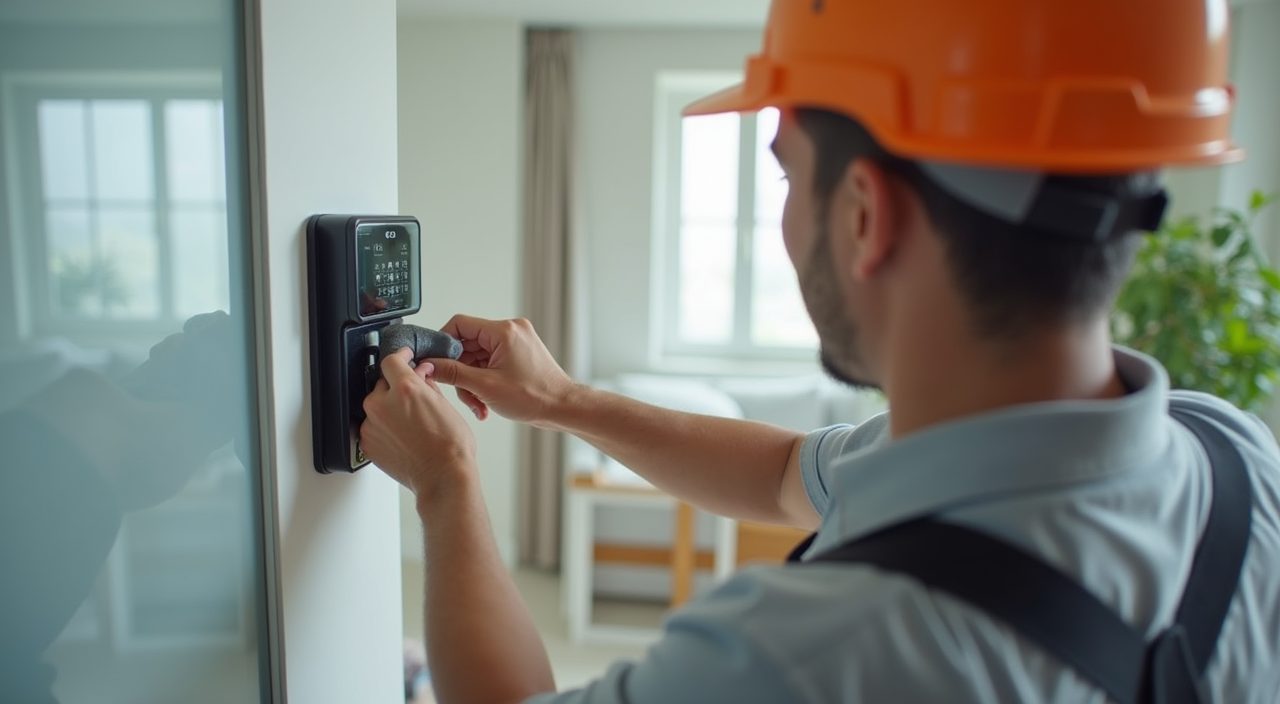
A smart home security bundle for a Singapore HDB flat typically pairs a digital door lock, one or two indoor or corridor cameras, and a few contact and motion sensors, all linked through a hub or app on your phone. A solid starter setup usually lands somewhere between 800 and 2,500 dollars installed, depending on the lock model, camera count and whether you want everything on one platform. Most of it is plug-and-play, but the lock and any wired camera or doorbell touching your electrical points are best handled by a licensed contractor.
The goal is not to buy the most gadgets. It is to cover the three real weak points of an HDB unit: the front door, the common areas you cannot always watch, and the windows or service yard. This guide walks through what each layer does, what it costs in Singapore, and the rules you need to respect as an HDB dweller before you drill or mount anything.
What goes into a smart home security bundle for an HDB flat?
A good bundle is layered. Each device covers a different job, and together they close the gaps a single product leaves open.
Think of it as three rings: the door, the interior, and the openings. You do not need every item on day one; start with the lock and one camera, then add sensors as your budget allows.
- Digital lock: replaces or sits on your main door, gives PIN, fingerprint, card or app access and logs who came and went
- Cameras: one facing the front door or corridor, optionally one indoor for living areas, with cloud or local recording
- Door and window sensors: small contact sensors that alert you the moment a door or window opens
- Motion sensors: trigger alerts or lights when movement is detected while you are out
- Smart hub or app: ties everything together so you get one notification stream and can arm or disarm from your phone
- Optional siren or smart plug: adds a loud deterrent or lets you power-cycle a router or light remotely
How much does a smart security setup cost in Singapore?
Prices move around a lot depending on brand tier and installation. Below are realistic Singapore ranges rather than exact figures, since promotions and models change often.
A basic bundle can start under 1,000 dollars if you pick a mid-range lock and a single camera. A fuller setup with a premium lock, two cameras and a handful of sensors more commonly sits in the 1,500 to 2,500 dollar band once installation is included.
- Digital door lock: roughly 300 to 900 dollars for the unit, plus installation
- Indoor or corridor camera: roughly 60 to 250 dollars each
- Contact or motion sensor: roughly 20 to 60 dollars each
- Smart hub: roughly 60 to 200 dollars, or free if your lock and cameras share one app
- Installation and wiring: varies, more if a wired doorbell or camera needs a new electrical point
Can I install a digital lock on an HDB fire-rated door?
Yes, in almost all cases. Most HDB main doors take a digital lock, and reputable installers drill and mount without compromising the door. The one caveat is your fire-rated timber or metal door: keep any modification minimal so the door still closes and latches properly, and pick a lock designed for HDB door thicknesses.
You generally do not need an HDB permit just to swap your door lock, since it is not structural or wet work. That said, if you rent, get your landlord's agreement first, and if you share a gate and door setup with the corridor, be considerate of neighbours. Always confirm the lock model matches your door type before buying.
Where can I legally put cameras in an HDB?
Inside your own flat you have wide freedom to place cameras. The sensitive zone is the common corridor. HDB and your Town Council generally require prior approval before you install a camera that points into or records the shared corridor, because it can capture neighbours passing by. Check with your Town Council first, and angle the camera to cover your own doorway rather than the whole walkway.
Under Singapore's data protection framework, home CCTV for personal and domestic use is largely exempt, but the moment footage captures others in shared spaces you should be reasonable: point it at your door, do not broadcast the feed, and delete recordings you do not need. A door-facing camera or a smart video doorbell usually satisfies both the rules and your actual security need.
- Inside the flat: cameras are fine, mind family privacy in bedrooms and bathrooms
- Your own doorway: generally acceptable, angle it tight to your door
- Common corridor or lift lobby: get Town Council or HDB approval first
- Never point a camera into a neighbour's window or unit
Do smart security devices need special wiring in an HDB?
Many devices are battery or Wi-Fi based and need no wiring at all. Contact sensors, motion sensors and most standalone cameras just pair to your app. The items that touch your electrical system are wired cameras, a hardwired video doorbell, an external siren, or any device you want on a permanent power point rather than a battery.
This is where a licensed electrical worker matters. Any new power point, concealed cabling, or connection to your distribution board must be done safely and to Singapore standards, and work on fixed wiring should be carried out by a licensed professional. Sloppy DIY around your consumer unit is both a fire risk and a warranty problem.
Should I DIY or hire a contractor for the bundle?
Sensors, Wi-Fi cameras and app setup are genuinely doable yourself. If your whole bundle is wireless, a confident homeowner can mount and pair everything in an afternoon. The trouble starts at the door and the mains.
A digital lock needs to be drilled and aligned correctly or it will jam and wear the door. A hardwired doorbell or a camera on a fresh power point needs proper electrical work. This is exactly where our electrical and installation team helps: fitting the lock cleanly, running any concealed cabling, and adding a safe power point so the whole setup looks tidy and works reliably. Getting the wiring and the lock done properly on the first visit saves you the classic loose-camera, dangling-cable regret.
How do I plan a bundle that actually fits my flat?
Start by walking your flat and marking the real entry points. For most HDB units that means the main door, the service yard door, and any low or accessible windows. Cover those first, then add interior coverage only where it earns its keep.
Keep the platform simple. Mixing three different apps for lock, camera and sensors gets annoying fast, so where possible choose products that live in one ecosystem or one hub. That way arming the house at night is a single tap, not a scavenger hunt across apps.
- Step 1: list your entry points, main door, yard door, reachable windows
- Step 2: put a digital lock on the main door and a camera facing it
- Step 3: add contact sensors to the yard door and accessible windows
- Step 4: add one indoor camera or motion sensor for the living area
- Step 5: consolidate onto one app or hub, then test arm and disarm
Frequently asked questions
Do I need HDB approval to install a smart security bundle? For most of it, no. Swapping your door lock and placing cameras inside your own flat generally needs no permit. The exception is any camera aimed at the common corridor or lift area, which usually requires Town Council or HDB approval first, and any new fixed wiring, which should be done by a licensed professional.
Will a digital lock work if the power or internet goes down? Yes. Reputable digital locks run on their own batteries, not your flat's mains, so a power cut does not lock you out, and they warn you well before the batteries die. Most also keep a physical key or mechanical override. Cameras that rely on Wi-Fi will pause recording during an internet outage unless they store to a local card.
How many cameras do I really need for an HDB flat? Often just one or two. A single camera or video doorbell covering the main door handles the biggest risk, and one indoor camera for the living area is usually enough for a typical three or four room flat. More cameras mean more to manage, so add them only where there is a real blind spot.
Can I move the whole system if I shift to a new flat? Mostly yes. Wireless cameras and sensors unclip and re-pair easily at the new place. The digital lock and any hardwired device are the parts that need a contractor to remove and refit cleanly, and you will want the old door restored if you are handing back a rental.