
Smart Home Wiring: Plan It During Renovation
A Singapore homeowner's guide to planning smart home wiring during renovation, covering neutral wires, network cabling, points and licensed electrical work.
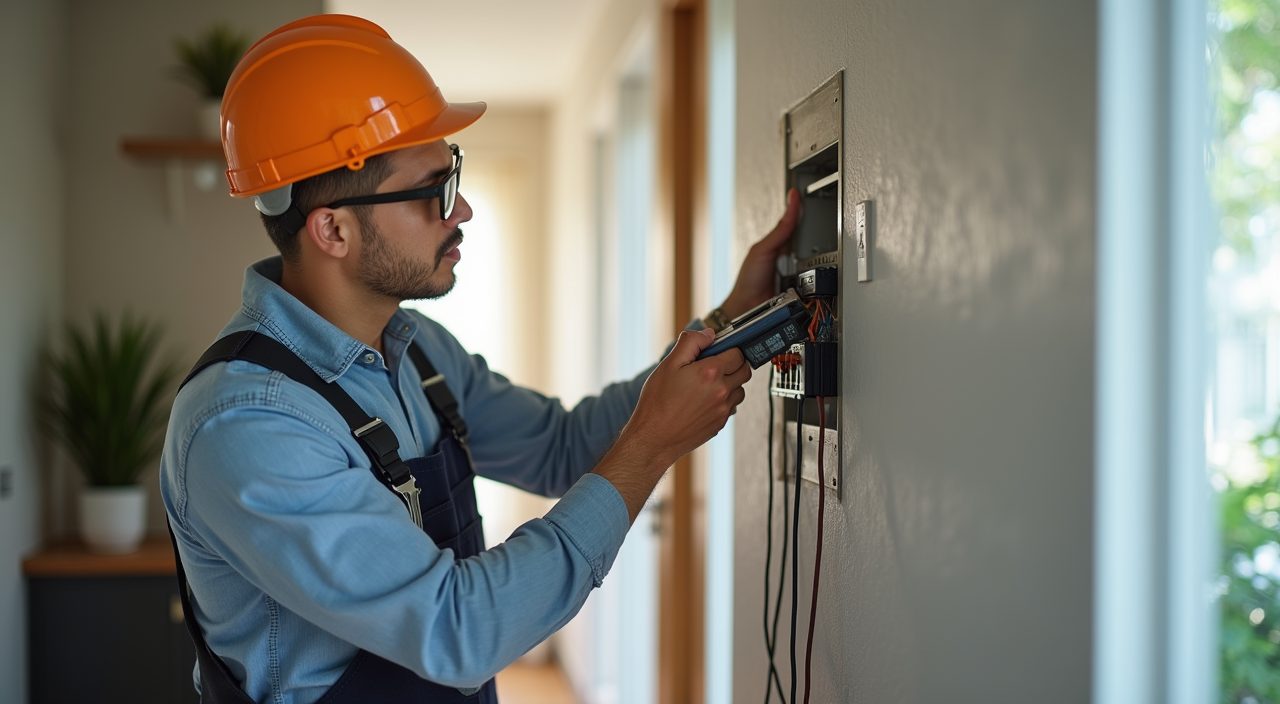
The smartest time to plan smart home wiring in Singapore is during your renovation, before the walls are plastered and the false ceiling goes up. Getting neutral wires to switch boxes, running network cable to key rooms and adding a few extra power points now costs a fraction of what it costs later, because the hacking, chasing and making-good are already happening. Retrofitting after handover almost always means surface trunking, patch repairs and repainting.
Smart home does not always need heavy wiring. Many devices work over Wi-Fi and battery. The point of planning during renovation is to remove the constraints that are expensive to fix afterwards: switches without a neutral, rooms without a data point, and walls without enough power outlets. Decide what you might want in the next five to ten years, then wire for the option even if you install the smart gear later.
Why plan smart home wiring during renovation?
During renovation your contractor is already hacking walls, laying conduit and installing the false ceiling. Adding wiring at this stage rides on work you are paying for anyway, so the marginal cost is low and the finish stays clean and concealed.
After renovation, every new cable usually means visible trunking along walls or ceilings, drilling through finished surfaces, and touch-up painting. It is doable, but it is slower, uglier and often more expensive than doing it upfront.
- Concealed cabling instead of surface trunking
- Shared cost with hacking and false-ceiling work already planned
- Cleaner finish with no patch repairs or repainting
- Fewer visible power banks, extenders and trailing cables later
What is the single most important thing to get right?
The neutral wire at your light switch boxes. Most smart switches and dimmers need a live and a neutral wire to power themselves continuously, but many older Singapore homes wired the switch loop with live only. If there is no neutral in the box, a standard smart switch will not work.
Ask your electrician to run a neutral to every switch box you might upgrade, especially in the living room, bedrooms and any area where you want scenes or voice control. It is a small addition during rewiring and it keeps every switch position future ready.
Should I still run network cable if everything is wireless?
Yes, for the spots that matter. Wi-Fi in an HDB flat or condo can struggle through concrete walls and long corridors, so a wired backbone gives you a more reliable smart home. Run Cat6 from your DB or TV console area to key locations and terminate them in proper wall points.
At minimum, plan data points where you will place a router or mesh node, the TV console, a home office desk, and any wired camera or hub. Even if you use these ports for mesh access points rather than individual devices, a wired link between nodes is far steadier than a purely wireless mesh.
- Cat6 to router or mesh node locations for a wired backbone
- A data point at the TV console and the home office
- Cabling to any fixed camera, NVR or smart hub
- Conduit to the main door for a wired video doorbell or smart lock if desired
How many extra power points should I add?
More than you think you need today. Smart homes accumulate small always-on devices: hubs, speakers, mesh nodes, robot vacuum docks, chargers and displays. Adding sockets during renovation is cheap compared with living on multi-plug adaptors and extension cords.
Think about specific spots. A socket inside or beside the TV feature wall, one near the main door for a smart lock hub or camera, points at bedside height for chargers and lamps, and a dedicated point where the robot vacuum will park. Also plan a tidy, ventilated spot with power and a data point for your router and any network gear.
What about aircon, curtains and other big items?
Some smart features need decisions before the ceiling and windows are finished. Motorised curtains need a power point at the curtain track or pelmet, which is awkward to add later. Smart aircon control is often handled by an infrared blaster, but confirm your aircon can be controlled and that there is power nearby.
If you want a wired smart doorbell, video intercom or an electronic gate at a landed home, flag it early so conduit and power are provisioned. The rule is simple: anything hidden behind a finished surface should be planned before that surface is closed up.
- Power at the curtain track for motorised or smart curtains
- A nearby socket and clear line of sight for aircon IR control
- Conduit and power for a wired video doorbell or intercom
- Provisions for smart gate or lock hardware at landed homes
Who should do the wiring, and is it legal to DIY?
In Singapore, fixed electrical wiring work must be carried out by a Licensed Electrical Worker. New circuits, additional points, switch and DB work, and anything connected to your fixed installation fall under this rule. Plugging in a Wi-Fi plug or a battery sensor is fine to do yourself; adding sockets or rewiring switches is not.
This is where planning your smart home wiring together with your renovation pays off. Working with a contractor that handles renovation and licensed electrical work under one roof means the neutral runs, network cabling and extra points are coordinated with your carpentry, false ceiling and finishes, so nothing gets missed and the smart home automation is designed in from the start rather than bolted on.
Frequently asked questions
Do I need a smart home hub? It depends on your devices. Many products work over Wi-Fi with just an app, but a hub gives you more reliable local control and lets different brands work together. If you plan to use one, provision power and a data point for it during renovation.
Can I add smart wiring to an HDB flat? Yes. HDB flats can have neutral wires, network cabling and extra points added during renovation, done by a Licensed Electrical Worker. Follow HDB renovation rules and use approved contractors, and avoid hacking structural walls.
Will smart wiring increase my renovation cost a lot? Usually not dramatically. The main additions are extra cable, points and labour that piggyback on work already happening. The bigger cost is retrofitting later, which is why planning upfront is the economical choice.
What if I am not ready to buy smart devices yet? Wire for the option anyway. Run the neutral wires, pull the network cable and add the power points now, then install smart switches, cameras or curtains whenever you are ready without opening walls again.