
Whole-Home Networking for HDB and Condo: Killing WiFi Dead Zones for Good
How to kill WiFi dead zones in your Singapore HDB flat or condo for good, using wired backbone, mesh nodes, and smart access point placement.
The most reliable way to kill WiFi dead zones in a Singapore HDB flat or condo is to run a wired Ethernet backbone to two or three points around the home, then plug in access points or mesh nodes at each. A single router in the living room or by the DB box near the main door simply cannot punch through Singapore's thick concrete and reinforced walls, so the fix is bringing the signal closer to where you actually use it rather than buying a more powerful router.
Most homes here run everything off one router, usually parked wherever the fibre termination point sits. That leaves bedrooms, the yard, the bomb shelter, and the far end of a long condo unit weak or dead. Whole-home networking solves this by distributing coverage properly, and the difference between a good setup and a bad one usually comes down to cabling and placement, not the brand of hardware.
Why do HDB flats and condos get so many WiFi dead zones?
Singapore homes are built with dense reinforced concrete, and WiFi hates concrete. Every wall the signal crosses cuts its strength, and structures like the household shelter (bomb shelter) have thick steel-lined walls that block signal almost entirely. A router that looks fine on paper can still leave a bedroom two walls away crawling.
Layout makes it worse. In a typical HDB flat the fibre point and router sit near the entrance, so the signal has to travel the full length of the home. Condos with long corridor layouts or multiple bedrooms off a single hallway face the same problem. The 5GHz band, which carries the fast speeds, is especially poor at passing through walls compared to the older, slower 2.4GHz band.
- Reinforced concrete and steel-lined shelter walls absorb signal
- Router usually sits at the entrance, far from bedrooms
- 5GHz gives fast speeds but does not travel through walls well
- Kitchen appliances, microwaves, and neighbouring units add interference
What is the difference between a WiFi extender, a mesh system, and a wired backbone?
These three approaches are not equal. An extender simply rebroadcasts an existing signal, so it inherits whatever weakness the original signal had by the time it reaches the extender. A mesh system uses multiple nodes that talk to each other and hand your device off as you move around, which is smoother, but if the nodes talk over WiFi (wireless backhaul) they still lose speed with each hop.
A wired backbone is the gold standard. Each access point or mesh node connects back to the router by an Ethernet cable, so every point delivers full speed regardless of how far it is from the router. In a concrete Singapore home this is the difference between patchy and rock solid.
- Extender: cheapest, rebroadcasts a weak signal, halves throughput, fine as a last resort
- Wireless mesh: seamless roaming, easy setup, but backhaul over WiFi loses speed per hop
- Wired mesh or wired access points: full speed at every point, most reliable, needs cabling
- Powerline adapters: use existing electrical wiring, a middle-ground option when running cable is impractical
How many access points does a typical Singapore home need?
For most HDB flats one good router plus one extra node is enough. A 3-room or 4-room flat usually needs the main router at the fibre point and one access point at the far end near the bedrooms. Larger 5-room and executive flats, or condos above roughly 1,100 square feet, often want two extra points.
The rule of thumb is one access point per major zone that a wall or two separates from the router. Do not over-buy: three well-placed wired points beat five poorly placed wireless ones. If a bomb shelter or utility room is where you keep the router, plan to move the signal out of it, since those walls trap it.
- 3-room and 4-room HDB: router plus 1 node, usually enough
- 5-room, executive, or large condo: router plus 2 nodes
- Landed or dual-key units: 3 or more nodes, ideally wired
- Bomb shelter or metal-door utility room: never rely on it as the only source
Do I need to run Ethernet cables, and where can they go?
Wired backhaul gives the best result, and running Ethernet is very achievable in a Singapore home, especially during a renovation when walls, false ceilings, and trunking are already open. Cat6 cable is the sensible standard, handles gigabit speeds comfortably, and costs little more than lower grades. The cable itself is cheap; the labour is running it neatly.
If you are past renovation, cables can still be run along skirting, inside PVC trunking, or through the false ceiling and dropped down to a wall point. Where pulling cable is genuinely impractical, powerline adapters that send data over your existing electrical wiring are a reasonable fallback, though performance depends on how the flat is wired.
- Best time to cable is during renovation, before walls and ceilings close
- Cat6 is the practical default for gigabit and future-proofing
- Cables hide in trunking, skirting, or the false ceiling
- Leave a network point in each bedroom and the living room while you can
Should I get a professional to set this up?
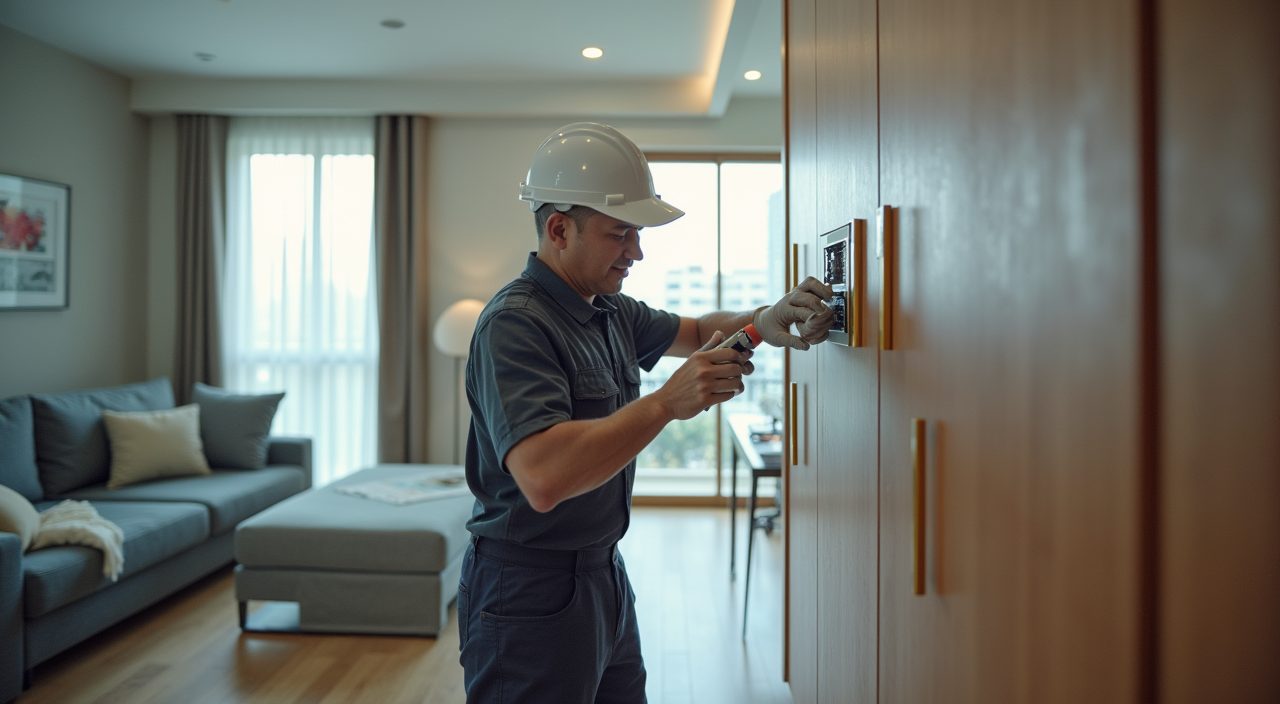
You can plug in a mesh kit yourself, but the parts that actually kill dead zones for good, running Ethernet cleanly, adding network points, and mounting access points on ceilings or walls, are where a professional earns their keep. Cabling behind walls, into false ceilings, or alongside the electrical trunking overlaps with electrical and renovation work, so it makes sense to fold network cabling into any renovation, electrical rewiring, or handyman job you already have planned.
A contractor who handles both electrical work and home networking can pull data cable at the same time as power, terminate wall points neatly, and place access points where coverage is strongest rather than wherever the socket happens to be. If you are renovating or upgrading your electrical wiring, getting network cabling and access point installation done in the same visit is far cheaper and tidier than retrofitting later. This is exactly the kind of structured cabling and access point work our electrical and renovation team can carry out as part of your project.
What settings actually reduce dead zones on the gear I already have?
Before buying anything, a few free changes help. Move the router out of a cabinet or shelter and into the open, ideally central and elevated. Give the 2.4GHz and 5GHz bands the same network name so devices roam automatically, and if your router supports band steering, turn it on so devices pick the best band.
Update the router firmware, and if you live in a dense block where dozens of neighbouring networks crowd the airwaves, changing the WiFi channel can cut interference. These tweaks will not fix a genuine coverage gap through two concrete walls, but they often recover a surprising amount of usable range from hardware you already own.
- Get the router out of cabinets, shelters, and floor level
- Place it central and high, away from the microwave and metal
- Use one network name across bands so devices roam
- Update firmware and switch to a less crowded channel in dense blocks
Frequently asked questions
Will a more expensive router fix my dead zones? Usually not on its own. Singapore's concrete walls block signal no matter how powerful the router, so the reliable fix is moving the signal closer with extra access points or mesh nodes, ideally wired, rather than paying for a single stronger unit.
Can I run WiFi into my bomb shelter or store room? The signal from a router outside will struggle to reach inside because of the thick steel-lined walls. The practical fix is running an Ethernet cable into the shelter and adding a small access point there, or keeping devices that need connectivity outside it.
Is powerline networking any good in an HDB flat? It can work as a fallback when running Ethernet is impractical, since it sends data over your existing electrical wiring. Performance varies with how the flat is wired and how far apart the sockets are, so treat it as a middle option, not a first choice.
Should I do the network cabling during my renovation? Yes, that is by far the best time. Walls, ceilings, and trunking are already open, so cabling can be run cleanly and cheaply alongside your electrical work, and you avoid the cost and mess of retrofitting cable later.